Background
In April 2024, the U.S. Department of Justice updated the Americans with Disabilities Act (ADA) to require state and local governments to make their websites and mobile apps accessible. The new rules are based on the Web Content Accessibility Guidelines (WCAG) 2.1, Level AA. Large public entities must follow these standards by April 2026, and smaller ones by April 2027. Since our college serves a county of more than 50,000 people, we’re working toward the deadline of April 24, 2026.
WCAG Task Force
In Winter 2025, Lane formed an interdepartmental WCAG Task Force to make a plan to bring the college into compliance. So far, our efforts have included:
- Auditing Lane's outward-facing digital content
- Evaluating third-party vendor compliance
- Assessing resources and tools
- Giving faculty- and staff-focused trainings on digital accessibility at Lane
Learn more about the WCAG Task Force's Plan and Scope.
Contact
Need Training?
Find a 30-minute optional training on our Vector LMS, under "My Assignments." W3C also offers a free, in-depth training with certification.
If you'd like some customized training for your department, or have a specific accessibility question, please reach out to us at WCAGTaskForce@lanecc.edu.
Additionally, the ATC (see below!) offers training on a number of software platforms.
Quick Tools
- WAVE (for checking accessibility of a web page, like Google Sites)
- Color Contrast Checker
Resources for Faculty and Staff

Academic Technology Center
Resource and training for faculty for accessible course design including:
- Accessibility Tools
- Learning Management Systems (LMS) like Moodle and Canvas
- Videos (for course instructional use)
- Google Docs, Slides, Sheets, Forms, etc.
- Microsoft Word, PowerPoint, Excel, etc.
- PDF remediation
- Web forms
Center for Accessible Resources
Resources for students including:
- Strategies for student success
- Academic support and consultation
- Campus and community support referrals
- Test accommodations
- Alternate text formats for course materials
- Accessible technology
- American Sign Language interpreting
- Captioning and transcription
- Note-taking Support

Information Technology
Help ensuring software purchases are accessible
Marketing & Communications
Help ensuring digital accessibility with:
- Lane's website and intranet (Drupal)
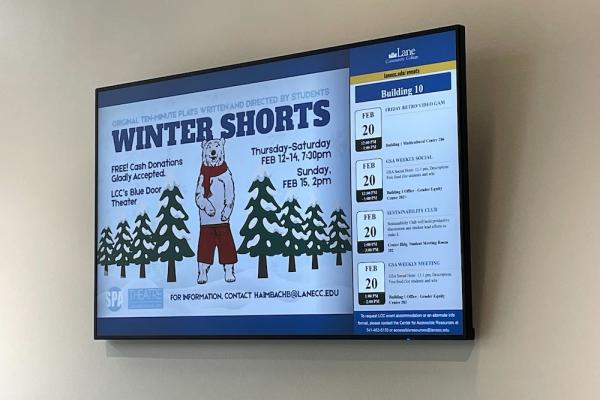
- Digital signs
- Printed marketing materials (flyers, brochures, etc.) if they will be posted online
- Social media
- Web forms
- Videos (for non-course instructional use)