Basic Block Widget
This page is a reference to the widgets that are available to use on our intranet.
This widget, for example, is a "Basic Block." It can include photos, tables, bulleted or numbered lists, and even block quotes.
Review this page to see how you can use columns and widgets to format your own pages.
Still need help? Contact Marketing (marcomm@lanecc.edu). We're here for you!
Accordion Widget
This is the optional accordion introduction.
Accordions have items. You can think of them as questions and answer.
You don't technically need two items, but accordions look pretty silly with only one.
Emphasis Widget
This white on blue widget can be used to draw attention to a particular box, or show that it's set aside from other content.
Calendar Widget
The calendar widget only lets you embed a calendar, so this text is actually in a basic block, and the calendar widget is below it.
Another Basic Block Widget
This is another 2 column section, except it's on a 33/66 split instead of 50/50. By doing a split, and putting a block here, that helps to keep the size of the slideshow down.


Image Tile Widget
This is the image tile widget. The heading, intro, and all of the fields for each tile are optional. You can add as many tiles you'd like, but know that they'll fill the space. That is, if there were a only one tile here, it would be very big.

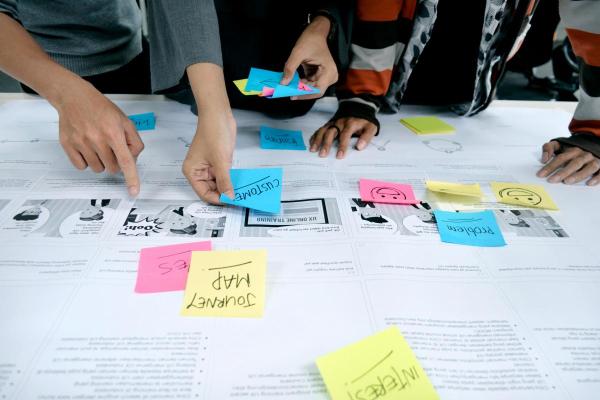

Image Tile 3
No link on this one.